Abstract
This page demonstrates the Main Article layout. Citation markers are generated from Markdown footnotes and link directly to their references.1 Figures are stored in the article’s page bundle and opened with PhotoSwipe.2
Main
The central article column remains 950 pixels wide on a sufficiently large screen. The left navigation is generated from the rendered document.
Background
A leaf page bundle keeps the article Markdown and its figures in one directory.3 Hugo can read each image’s dimensions and create a smaller preview while keeping the original available for viewing and download.
Findings
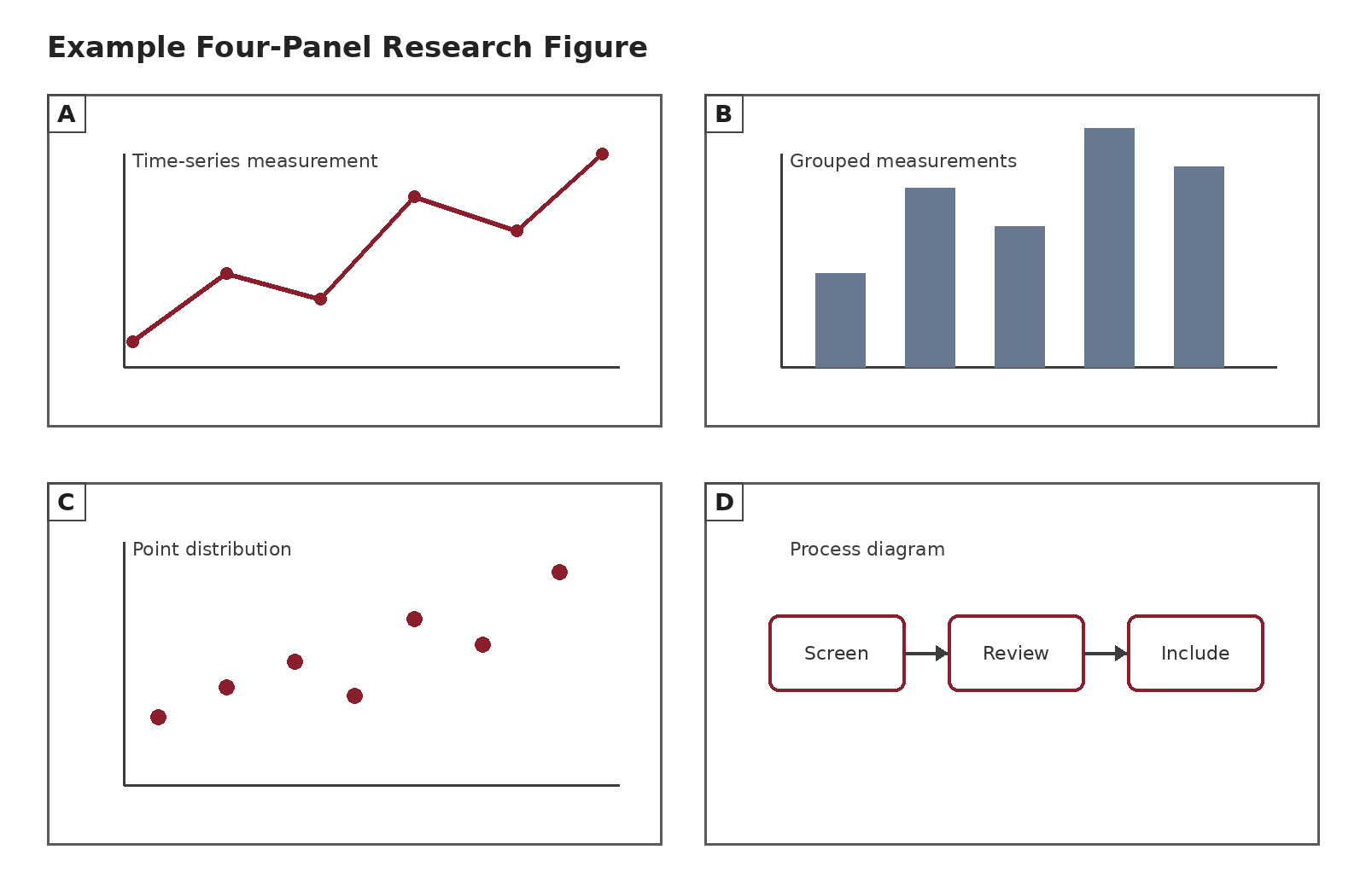
The first sample figure contains four labeled panels. Click the figure or the View large control to open the viewer.
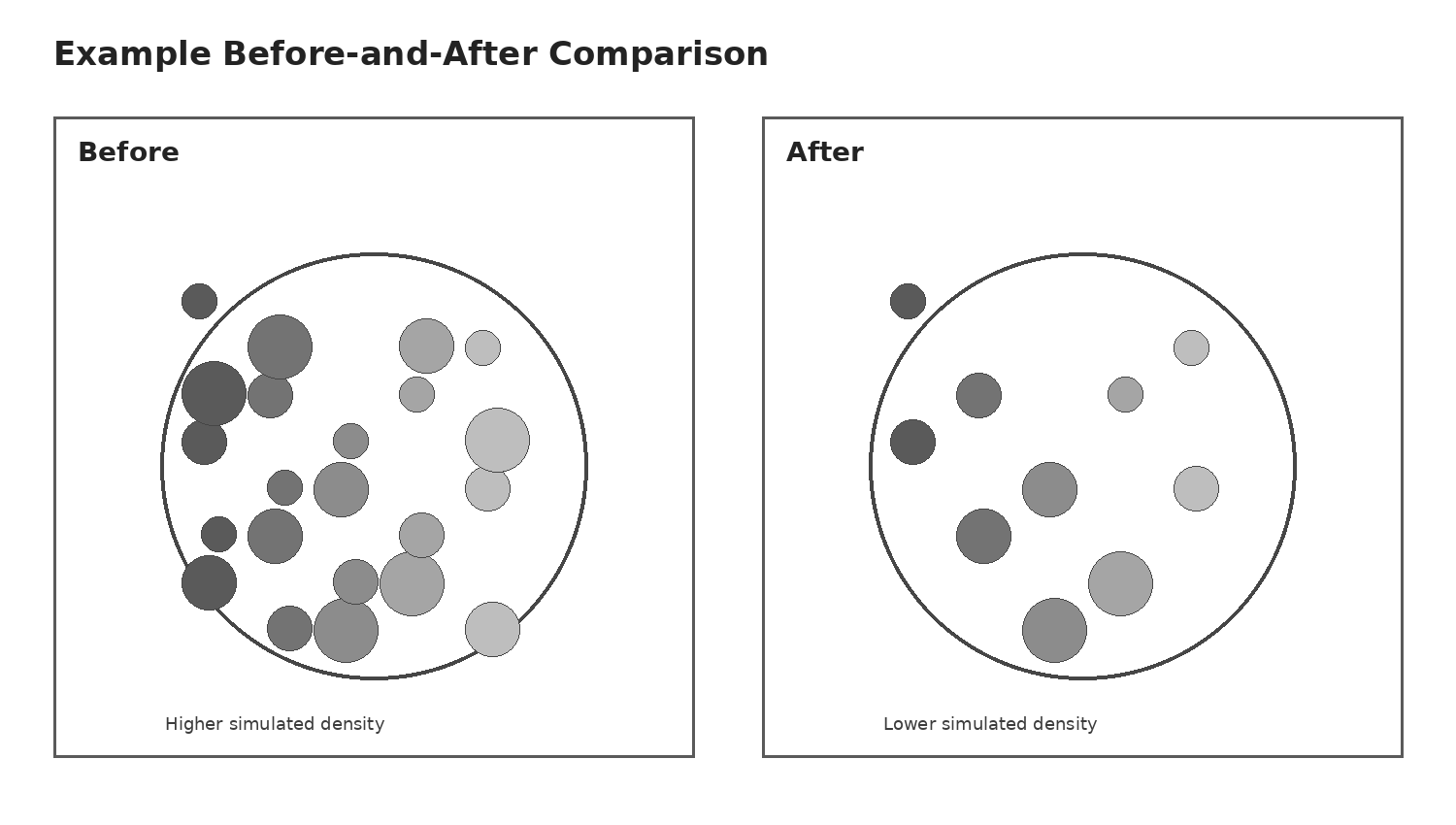
The second figure demonstrates navigation between multiple figures.
Methods
The layout converts level-two through level-six Markdown headings into nested native disclosure sections after the page loads.
Article structure
Every section starts open. A reader may collapse a subsection without closing the rest of the article.
Nested subsection example
This level-four heading is nested inside the Article structure subsection.
Citation behavior
Use ordinary Markdown footnotes. Selecting a superscript marker scrolls to the corresponding reference. Hugo also creates a return link in the reference list.
Discussion
The article remains readable without JavaScript. Without the enhancement script, headings remain normal headings, references remain ordinary footnotes, and each figure remains a direct link to its original image.